
Bezelbub
Beautiful device mockups in seconds.
Bezelbub wraps screenshots and screen recordings in pixel-perfect Apple device bezels. Free app for Mac, iPhone, and iPad, with a headless CLI and an MCP server for automation and AI agents.

brew install cwooddgr/tap/bezelbub
Free. No subscription, no account, no ads.
The apps
iPhone, iPad, and Mac
Drop in a screenshot or screen recording and Bezelbub auto-detects the matching device and composites the frame. On iPhone and iPad: import from Photos or Files, or frame from any app's share sheet. On the Mac: drag and drop, or paste with ⌘V.
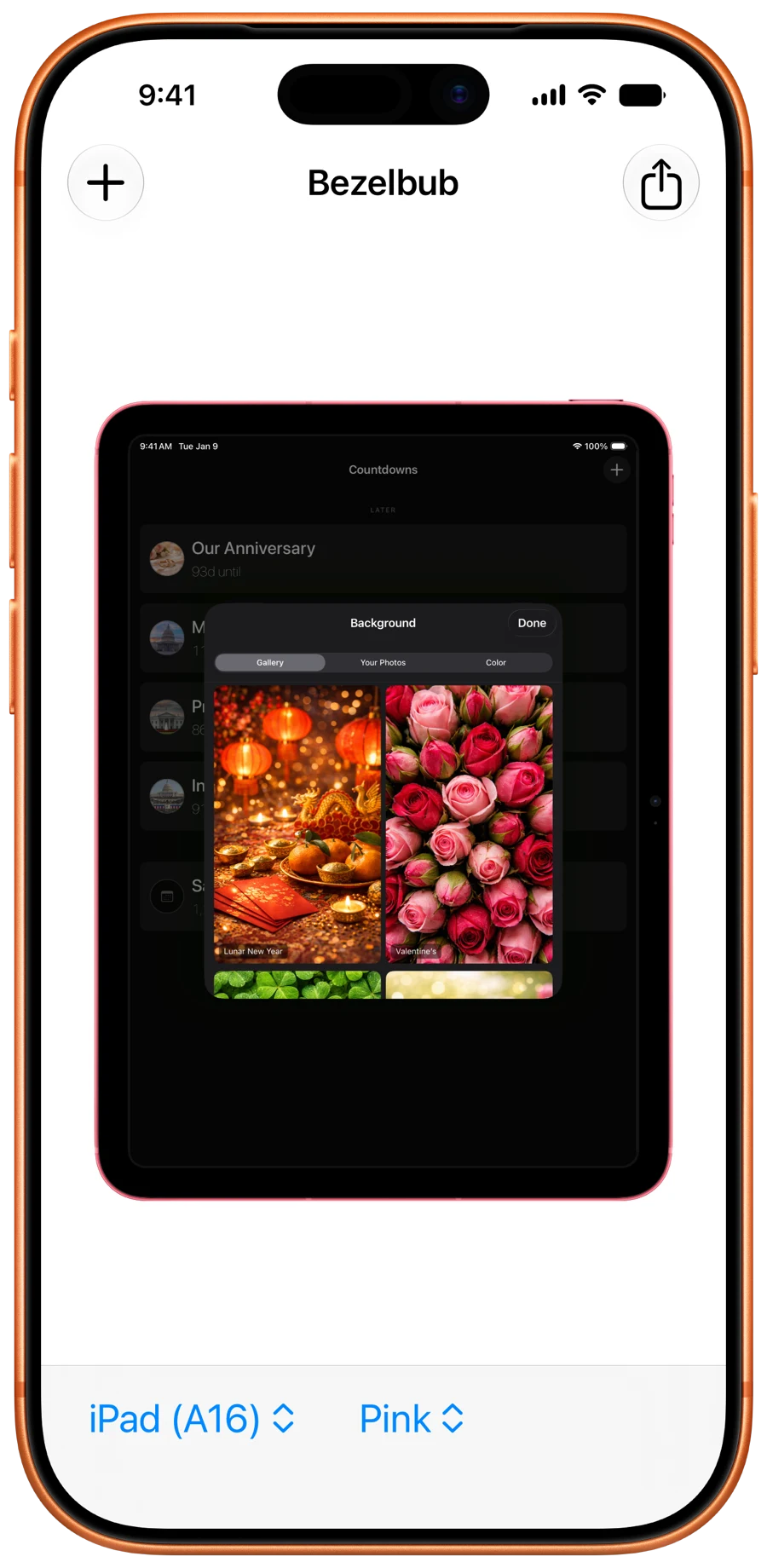
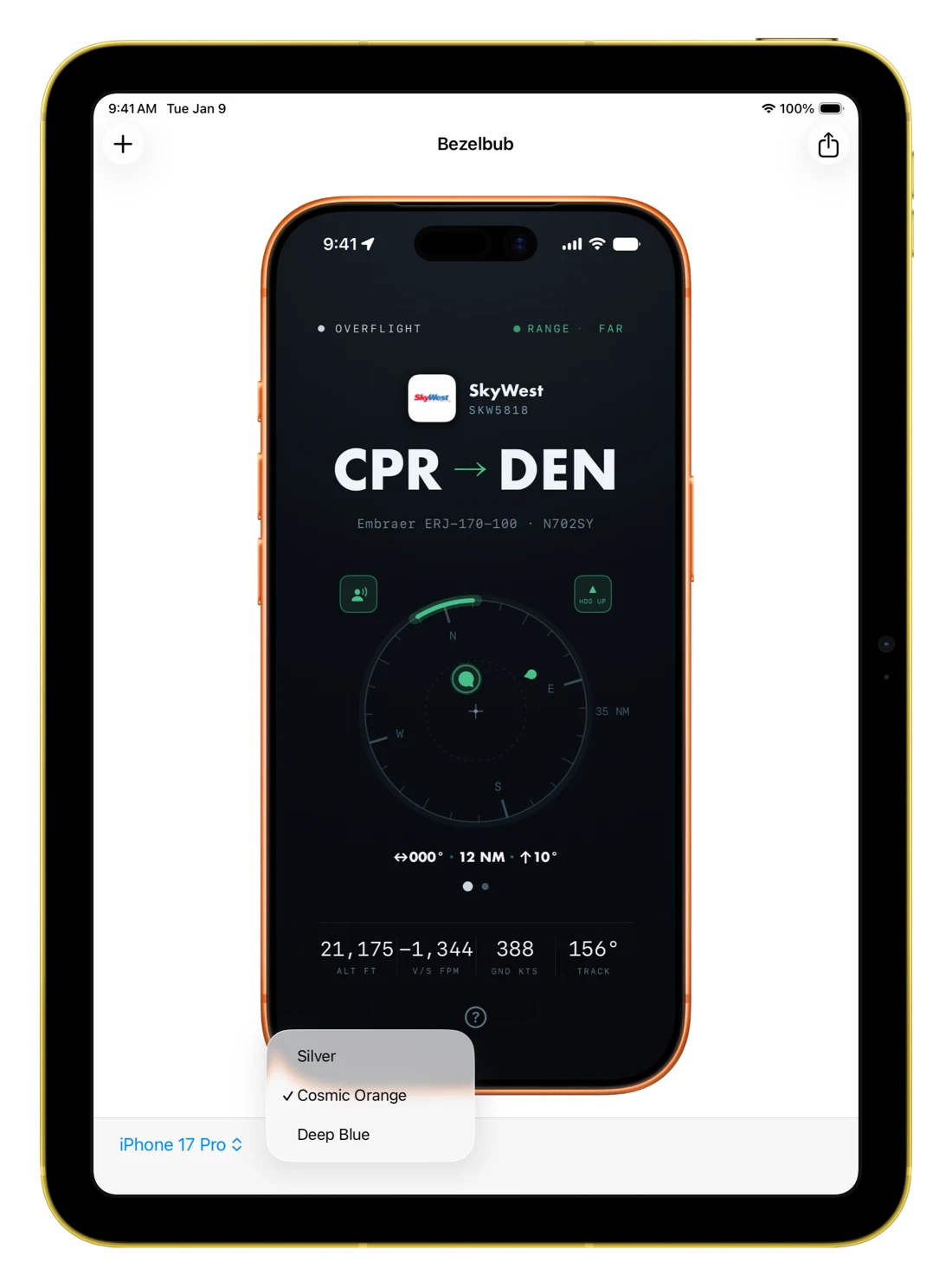
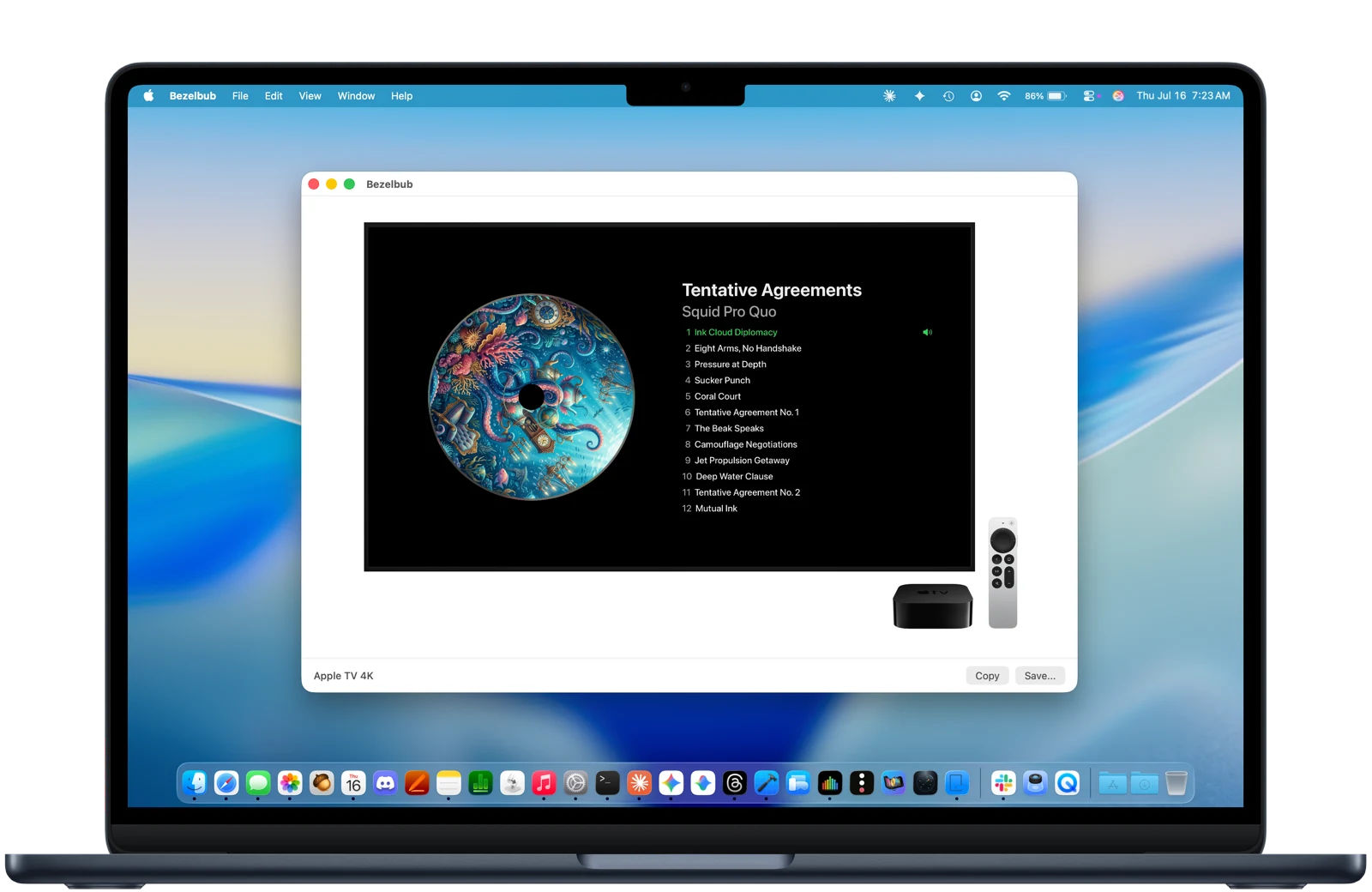
Every screenshot on this page was framed by Bezelbub.
How it ships
The app, the CLI, and the MCP server
The app
Native macOS and iOS apps with drag-and-drop, clipboard paste, a Photos importer, and a share extension. One free download covers Mac, iPhone, and iPad.
The CLI
A headless bezelbub command for scripts and CI. Every input is a flag with a default, and results come back as JSON. Details below.
The MCP server
Connect Claude or any other MCP client and ask for mockups in plain language. Tools for framing images, framing videos, and listing devices. Setup below.
What it does
Drag, detect, frame
Automatic device matching
iPhone and iPad screenshots match by exact resolution. Mac, iMac, Studio Display, and Apple TV captures match by the capture size of each display zoom setting, so a screenshot from a 15″ MacBook Air picks the 15″ MacBook Air whatever zoom it was taken at. Sizes not on file fall back to aspect ratio.
45 devices, every color
iPhone 14 through iPhone 18 Pro, iPhone Air and iPhone Duo, iPads from mini to Pro, MacBooks, iMac, Studio Display, and Apple TV 4K, each in every color Apple ships.
Video framing
Screen recordings export as framed MP4 or MOV with audio preserved, rotation fixes, and custom background colors.
Transparent video export
Framed recordings with a true alpha channel, ready to composite over any web page or presentation.
Pixel-perfect edges
Anti-aliased screen masks are built from the bezel art itself, so there are no seams or halos at the rounded corners.
Private
Everything runs on-device, with no accounts, uploads, or telemetry.
New: alpha-channel video
Transparent backgrounds for framed videos
This video has no background. It sits directly on the page, and the animated gradient shows through around the bezel — the framed recording carries a real alpha channel.
Bezelbub exports transparent video as HEVC-with-alpha in a QuickTime .mov, which plays in Safari and in Apple's frameworks. For Chrome and Firefox it can also write a VP9/WebM copy that keeps the alpha channel. Serve both with the .mov listed first: Safari takes the HEVC file, and Chrome and Firefox — which don't play QuickTime — fall through to the WebM.
The CLI does both in one shot:
bezelbub frame --input demo.mp4 --background transparent --webm
# → demo-framed.mov (HEVC alpha) + demo-framed.webm (VP9 alpha)
Automation
The headless CLI
The same framing engine as the app, with no GUI and no interactive prompts. Install it with Homebrew:
brew install cwooddgr/tap/bezelbub# Frame a screenshot — the device is auto-detected from its pixel size
bezelbub frame --input shot.png # → shot-framed.png
# Frame a screen recording — audio preserved, MP4 out
bezelbub frame --input demo.mp4 # → demo-framed.mp4
# Which devices fit this screenshot?
bezelbub devices --input shot.png --json
# Or specify everything explicitly
bezelbub frame --input shot.png --device iphone17pro \
--color "Cosmic Orange" --orientation portrait \
--background "#1D1D1F" --output-size 50% --jsonIt's designed for non-interactive, programmatic use:
Nothing ever prompts
Every input is a flag with a default. A call either completes or fails immediately.
JSON output
--json on both subcommands returns machine-readable results: device, color, orientation, output path, and dimensions.
Self-correcting errors
Distinct exit codes for each failure type, and stderr suggestions — valid device ids, matching colors, nearest screen sizes — so a failed call tells the caller how to fix the next one.
The full flag reference, exit-code table, and a ready-made Claude Code skill live in the CLI documentation on GitHub. The engine itself ships as BezelbubKit, a UI-free Swift package you can embed in your own tools.
New: Model Context Protocol
The MCP server
Bezelbub ships an MCP server — @dgr_labs/bezelbub-mcp on npm, listed in the official MCP registry as io.github.cwooddgr/bezelbub-mcp — so Claude and other MCP clients can produce device mockups directly. It frames screen recordings as well as screenshots, including transparent export, and it runs locally as a native tool on your Mac rather than a cloud API, so recordings are never uploaded.
Setup
The server runs on macOS and drives the bezelbub CLI, so install that first:
brew install cwooddgr/tap/bezelbubFor Claude Code, one command:
claude mcp add bezelbub -- npx -y @dgr_labs/bezelbub-mcpFor Claude Desktop, add the server to claude_desktop_config.json (Claude menu › Settings… › Developer › Edit Config), then restart the app:
{
  "mcpServers": {
    "bezelbub": {
      "command": "npx",
      "args": ["-y", "@dgr_labs/bezelbub-mcp"]
    }
  }
}
Any other MCP client that speaks stdio works the same way: run npx -y @dgr_labs/bezelbub-mcp as the server command. Requires macOS 14+ and Node 18+.
Tools
| Tool | What it does |
|---|---|
frame_image |
Frames a screenshot (PNG, JPEG, or HEIC) in a device bezel and writes a framed PNG. Device, color, orientation, background, and output size are optional — the device is auto-detected from pixel dimensions when omitted. |
frame_video |
Frames a screen recording (MOV, MP4, or M4V) and writes a framed MP4 with audio preserved. background: "transparent" switches to HEVC-with-alpha, and webm: true adds a VP9/WebM copy for Chrome and Firefox. |
list_devices |
Lists the full 45-device bezel catalog with ids, colors, screen sizes, and each display device's known capture sizes. Given a file or pixel size, it reports which devices fit and suggests the nearest matches when none do. |
What it looks like in use
Prompts like these become tool calls, and the framed files are written to disk:
"Frame ~/Desktop/shot.png in an iPhone bezel for the press kit."
"Which devices fit a 1206×2622 screenshot?"
"Take the screen recording in ~/Demos and make a transparent
 framed version I can put on the website, with a WebM copy."
That last request becomes a frame_video call:
{
  "input_path": "/Users/you/Demos/demo.mp4",
  "background": "transparent",
  "webm": true
}
// → {"kind": "video", "transparent": true,
//    "output": "/Users/you/Demos/demo-framed.mov",
//    "webm": "/Users/you/Demos/demo-framed.webm", ...}
Errors carry the CLI's suggestions — valid device ids, a device's color list, nearest screen sizes — enough for the agent to fix its next call without a human.
The bezel catalog
Supported devices
iPhone
iPhone 14, 15, 16, and 17 families (standard, Plus, Pro, and Pro Max), iPhone 18 Pro and 18 Pro Max, iPhone Air, and iPhone Duo. For the Duo you can frame the inner display, or the outer display with the phone closed or open.
iPad
iPad and iPad (A16), iPad mini and iPad mini (A17 Pro), iPad Air 11″/13″ (M2 and M4), iPad Pro 11″/13″ (M4 and M5).
Mac
MacBook Air 13″ and 13″/15″ M5, MacBook Pro 14″/16″ and M5, MacBook Neo, iMac 24″ and iMac 24″ M4 in all seven colors, and Studio Display (2026), whose bezel also fits the Studio Display XDR since Apple ships the same art for both. Captures at any display zoom setting are recognized.
Apple TV
Apple TV 4K, for both 1080p and 4K screenshots and recordings.
Every device comes in each color Apple ships it in, and the bezel art is the same art Apple publishes in its Design Resources.
Get Bezelbub
Free on the App Store for Mac, iPhone, and iPad. The CLI installs with Homebrew, and the MCP server with npm.
brew install cwooddgr/tap/bezelbub
On the blog: the introduction, the video framing release, the transparent video export, and the MCP server.