Overflight on tvOS
An instrument built for Apple TV
For the people who look up
Overflight on Apple TV gives you always-on awareness of your local airspace, whether that's around a house, an office, a flight school, an FBO, or a waiting room. iPhone and iPad run the same instrument for the pocket and the porch. The main page covers the whole system.
Built for Apple TV
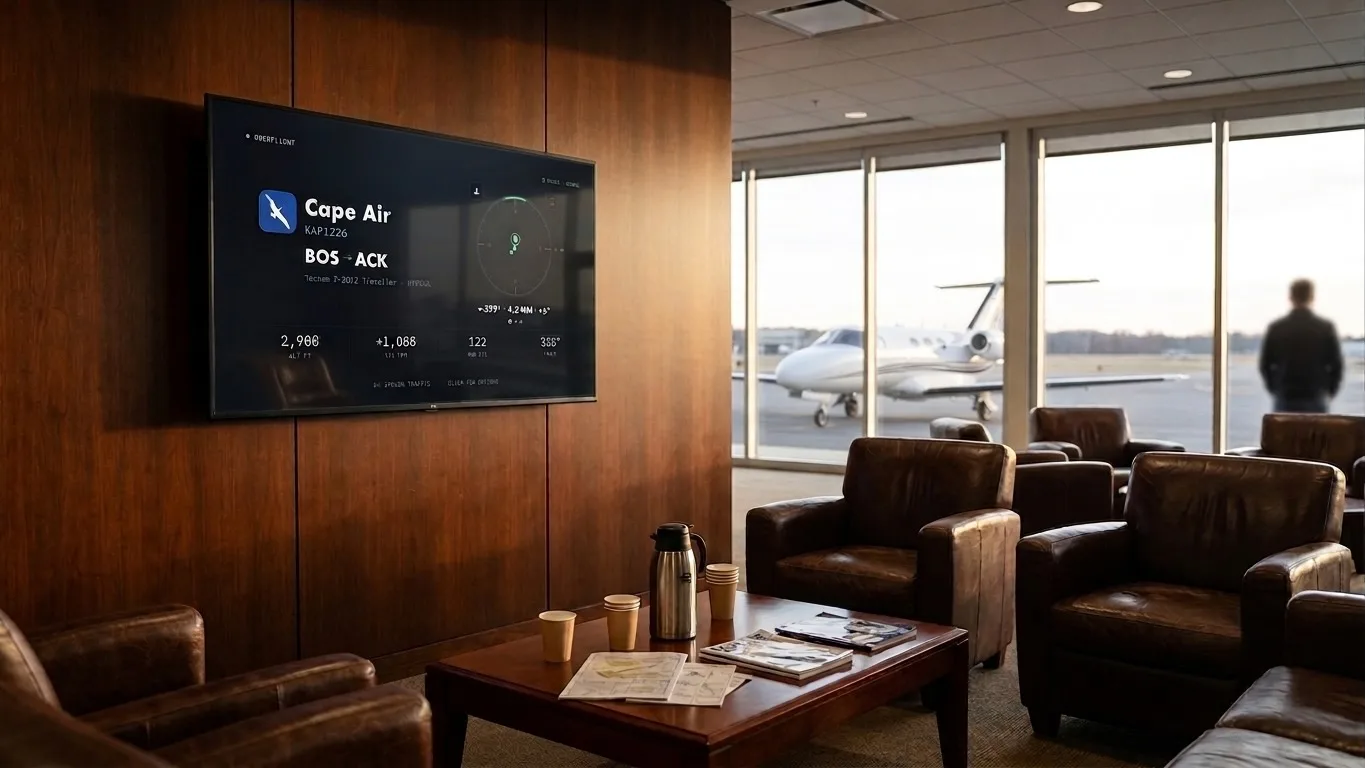
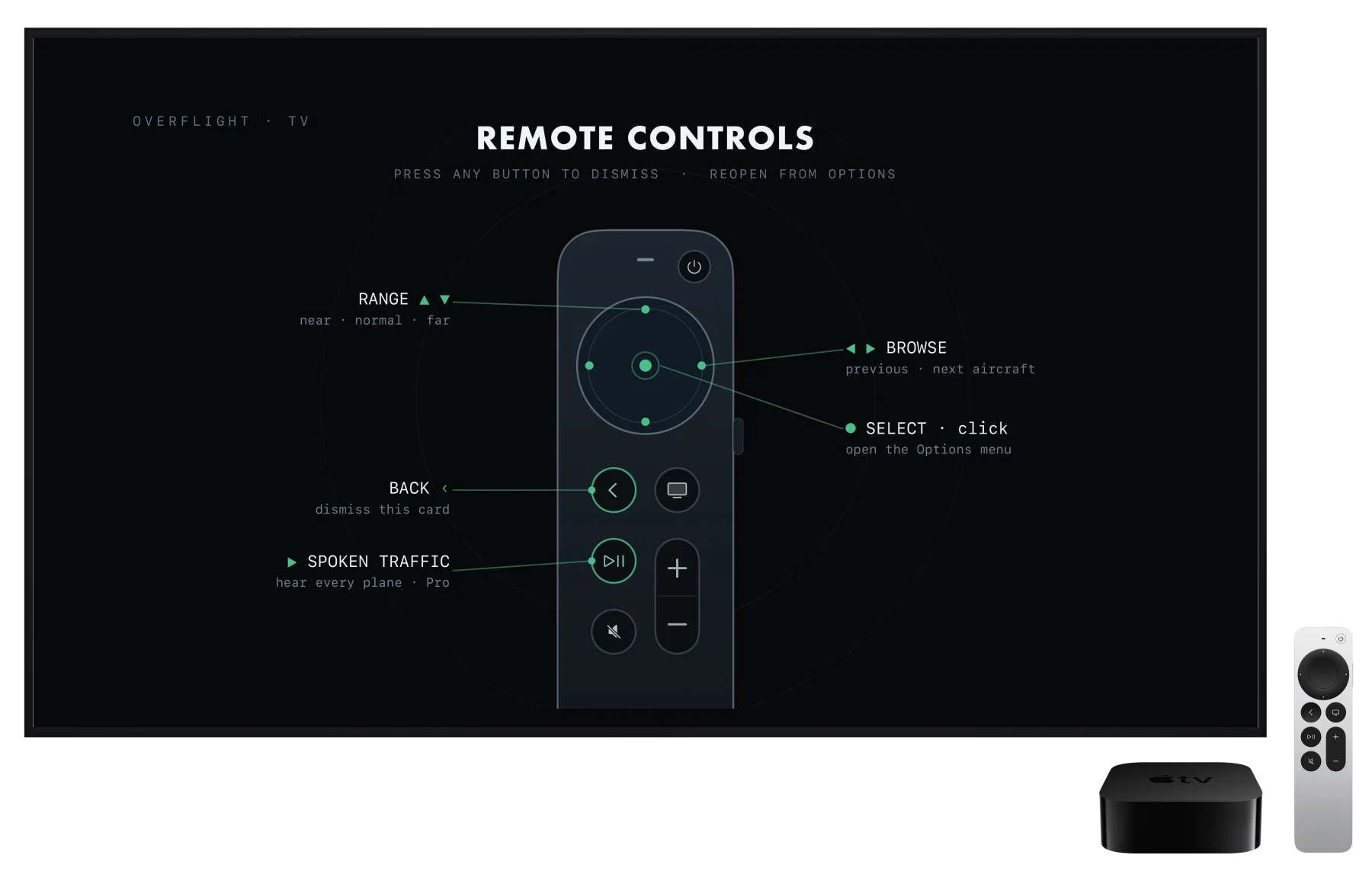
Flight tracking on a television usually means a phone app stretched to 1080p. Overflight for Apple TV is a native app, designed to be used from across the room. Plus it has custom controls for Siri Remote.
Built to be left on
The scope runs fully unattended, locking onto one aircraft and tracking it across the sky, then handing off to the next when it can no longer be seen. With spoken traffic enabled, each aircraft is called out as it comes into focus. And when something notable is inbound, the whole instrument turns amber and shows a countdown to arrival.
The flight panel is readable from across the room and holds still: route airports are spelled out in full under the codes, and the card keeps a fixed position on screen while details arrive.
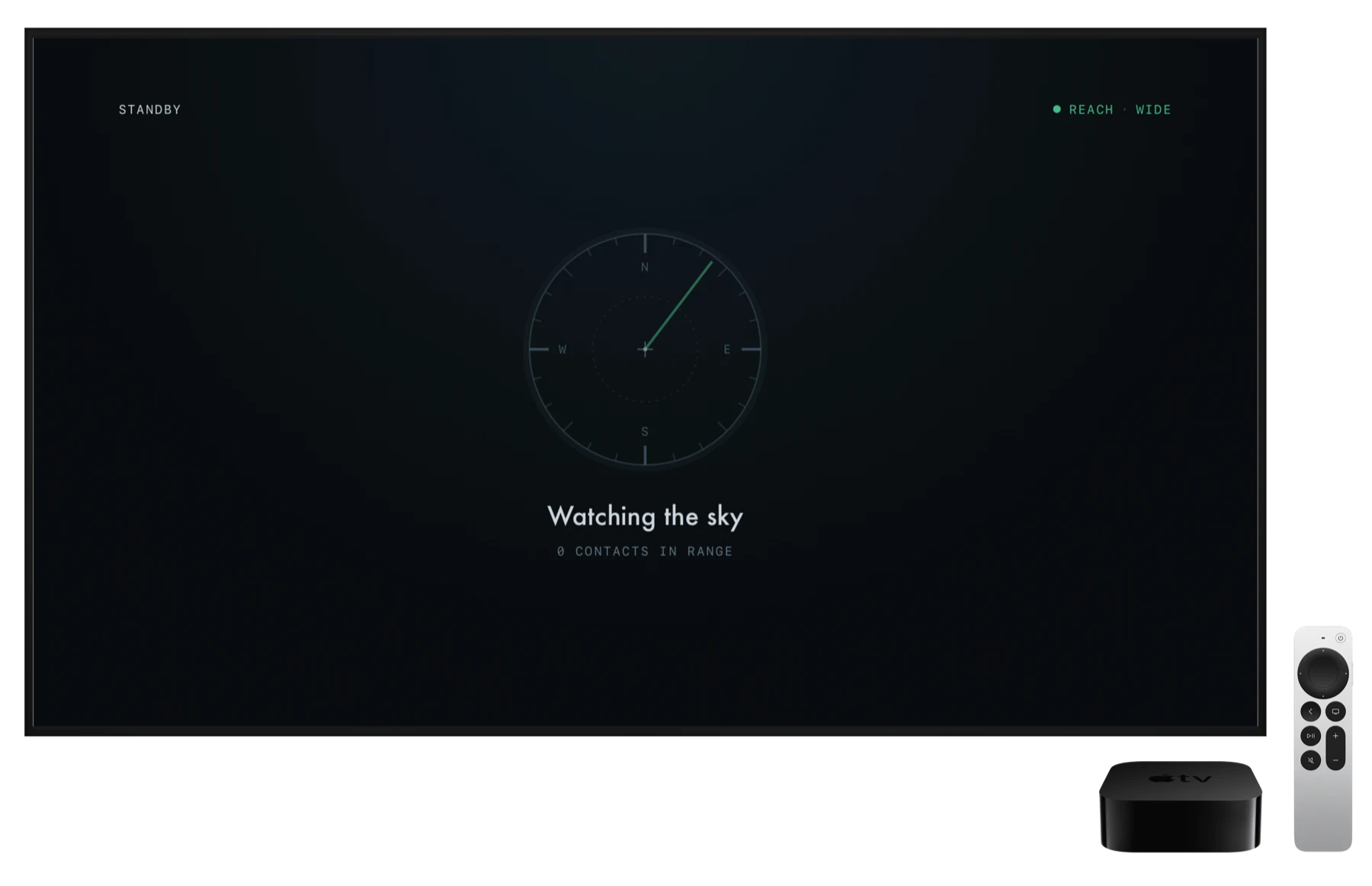
When the sky empties, the display drops to a standby sweep and a note that nothing is currently visible.
To protect the screen and prevent burn-in, the whole interface imperceptibly cycles through a slow orbit, one full lap every sixteen minutes, so no static element parks on the same pixels long enough to leave a permanent mark.
* Always-on mode, spoken traffic, and interesting inbounds are Pro features.
Your exact location and direction
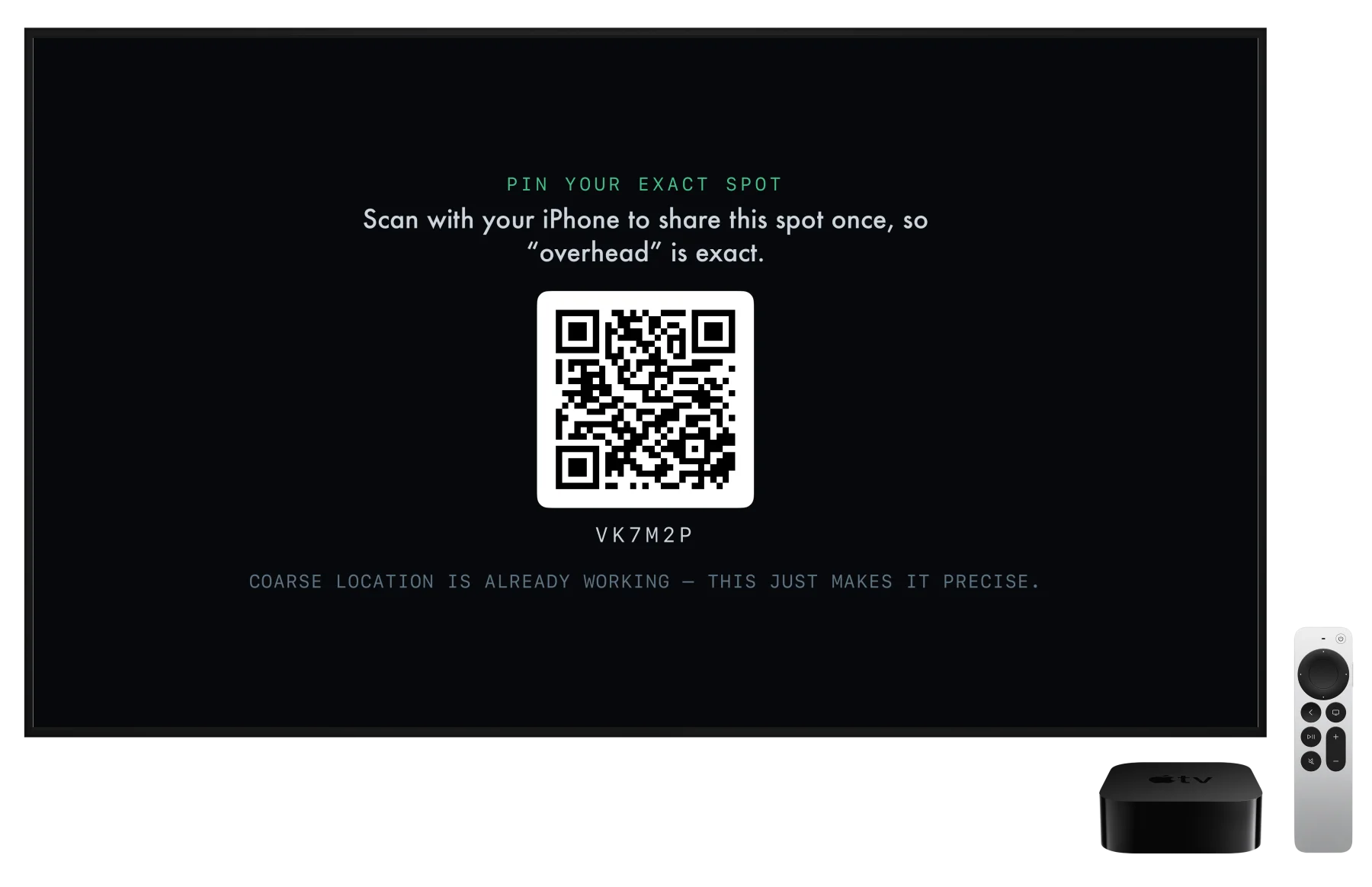
Apple TV knows roughly where it is, which is enough to start. For exact bearings and elevation angles, click and choose Pin exact location & direction from the Options menu, and scan the QR code with your iPhone. Your phone sends one precise fix; the pairing server holds it for minutes, then deletes it. The scope re-centers, the visibility model picks up your true ground elevation from terrain data, and the same handoff can record which way the room faces, so the scope's “up” can match the actual direction you're facing.
It's on iPhone, iPad, and Apple TV
Overflight is on the App Store now. It's free to download and works out of the box; Overflight Pro unlocks the full instrument.

iPhone iPad Apple TV