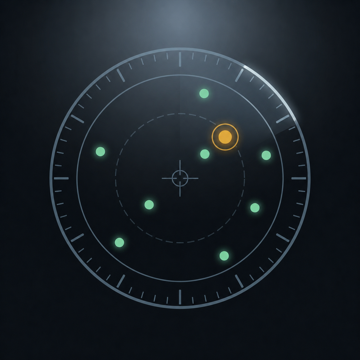
Overflight
Identify every aircraft in your sky
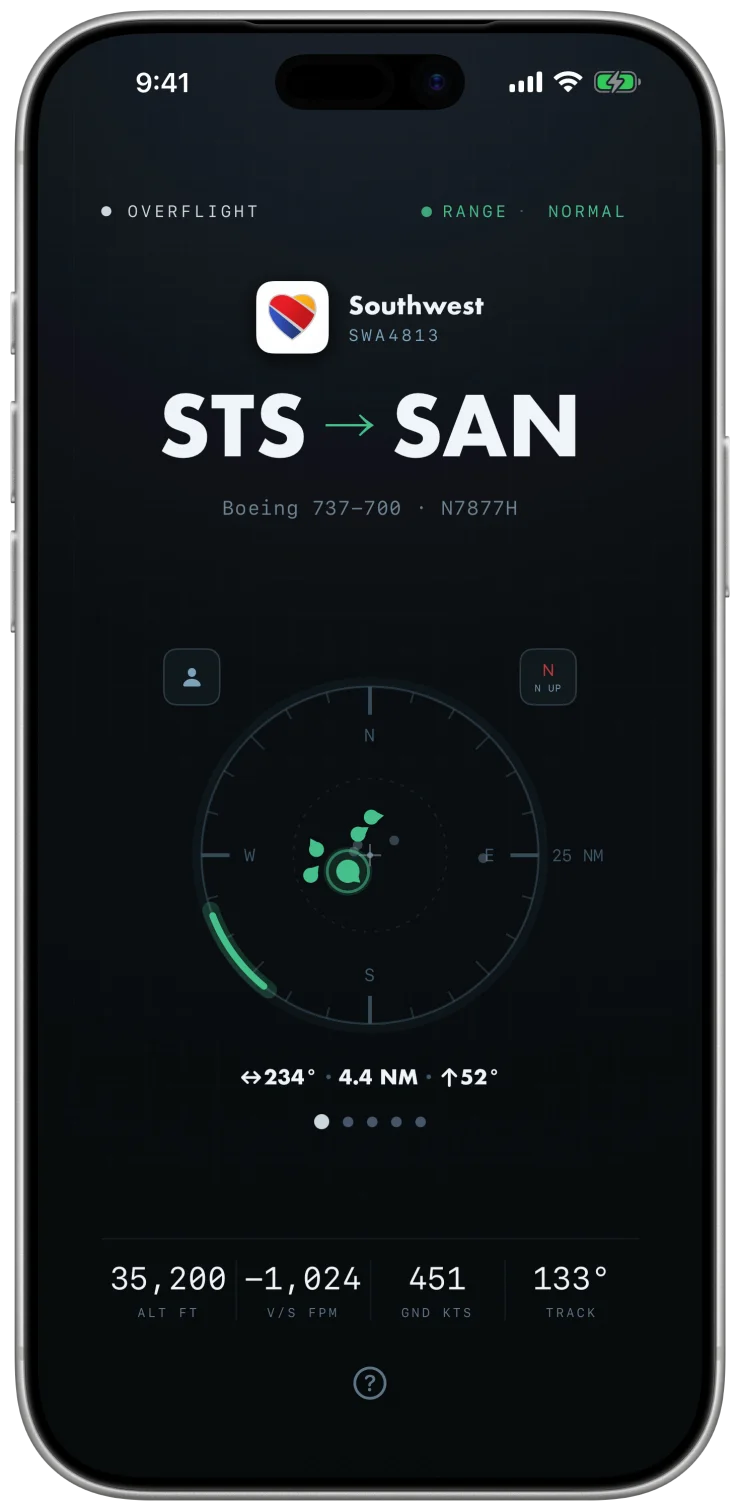
A live radar scope of the sky you can see, on iPhone, iPad, and Apple TV. Each aircraft is identified in full: airline, flight number, route, aircraft type, altitude, speed, and which way to look.
- Position data
- Live ADS-B
- Receiver network
- Worldwide
- Account required
- None
- On the App Store
- Live

The sky, instrumented
Overflight polls live ADS-B data for the traffic around your position, runs every return through a visibility model, and plots the aircraft you could actually see on a radar scope.
The most prominent aircraft is highlighted first on the scope and its details shown. The rest wait in a carousel, ranked. Swipe through them to see the details for each of them.
The card reads deeper than a callsign. Route airports are spelled out in full under the codes, helicopters and general aviation aircraft name their operator when the registry has one worth naming, and on iPhone and iPad the aircraft type links to the airframe's Wikipedia article without leaving the app.
Interesting inbound
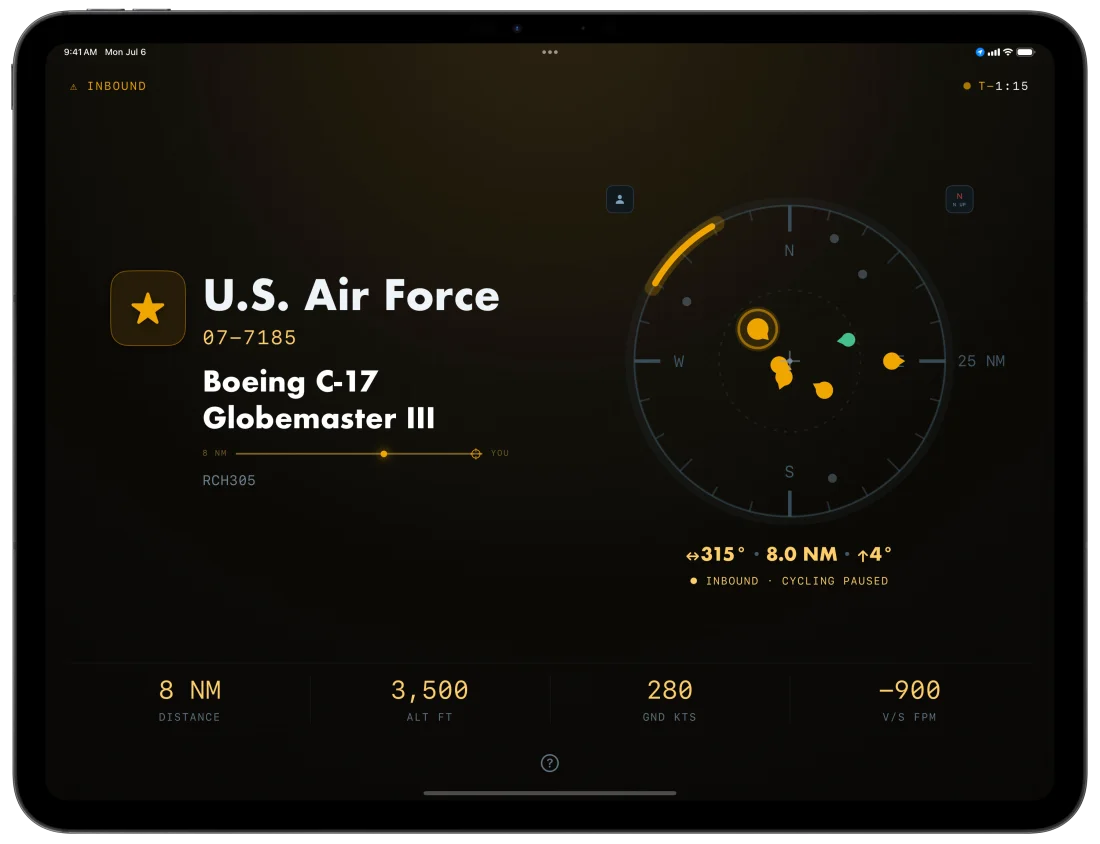
Military and otherwise unusual traffic is highlighted separately. When one of these is closing on your position and holds on a steady track across consecutive sweeps rather than merely nearby, the instrument turns amber, the carousel pauses, and a countdown runs to overhead.
An aircraft declaring an emergency outranks everything else in the sky: it wins the card with an amber EMERGENCY chip, and when it's inbound the takeover fires immediately, with no countdown threshold.
Amber means one thing in Overflight: the sky demands your attention. Interesting inbounds are part of Overflight Pro, but the first one is free on every install.
Not just distance, but visibility
The scope's range isn't just a flat radius, because sight lines aren't flat. Visibility is slant range: a widebody at cruise is visible from far beyond a turboprop at pattern altitude, and standing at 8,000 feet in the mountains is not the same as standing at sea level at the beach. The model accounts for both, and the RANGE setting (OVERHEAD, NEAR, NORMAL, FAR) scales how much of the visible sky it admits.
An instrument for the living room, or the lounge
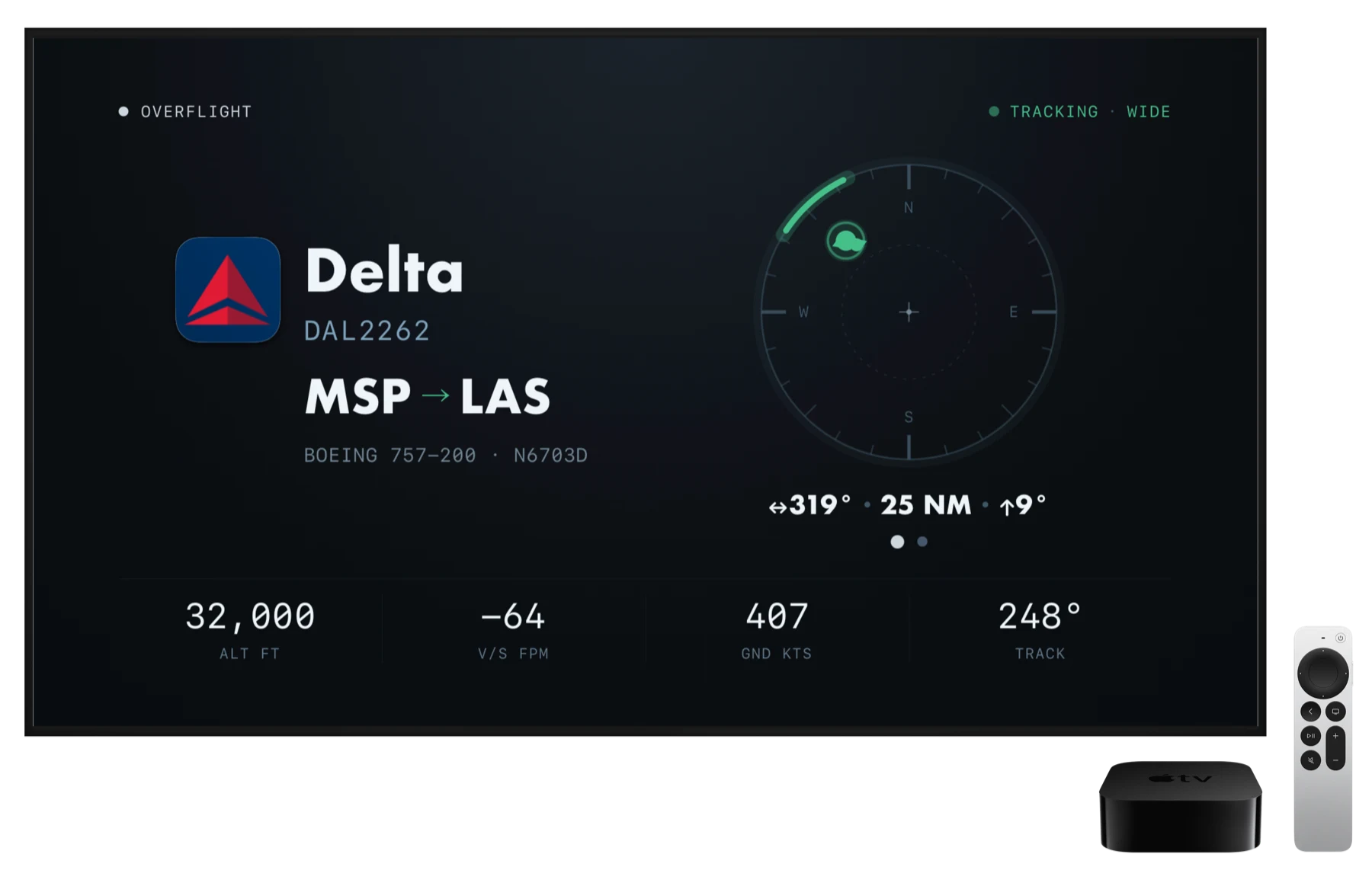
On Apple TV, Overflight is an ambient display with optional voice announcements. One aircraft is automatically tracked until it leaves your sky, then the next one is selected. Use your Siri Remote to manually choose targets.
It's as much at home in an office or an FBO lounge as in a living room. The TV's own coarse location is enough to start; for precise position and direction, the app generates a QR code you can scan with your iPhone.
Don't just see what's up there, hear it
For the visually impaired there's full VoiceOver support. But even without accessibility controls, Overflight provides optional spoken ATC-like traffic callouts:
Spoken traffic call "Traffic, two o'clock, twelve miles, southeast bound, niner degrees high — a Boeing seven thirty-seven eight hundred, flight level three three zero, Southwest flight fourteen fifty-nine, Bozeman to Denver."
What it runs on
- Positions
- Live ADS-B: the transponder signals aircraft broadcast, received by a worldwide community of volunteer ground stations.
- Routes
- Airline route lookups via AeroDataBox, with adsbdb as fallback, geometry-checked before display.
- Elevation
- Open-Meteo terrain lookup, so the visibility model knows how high you're standing.
- Location
- Your coordinates leave the device only to query nearby aircraft and terrain elevation, and during the optional Apple TV pairing handoff, which the server deletes within minutes. Details in the privacy policy.
- Account
- None. Nothing to sign into.
- Price
- Free for limited functionality. Overflight Pro adds routes on every aircraft, spoken traffic, interesting inbounds, and always-on with no idle timeout, all for $3.99/month, $19.99/year (the yearly plan starts with a 7-day free trial), or $69.99 once. What's included in Pro
Get Overflight
Overflight is on the App Store now. It's free to download and works out of the box; Overflight Pro unlocks the full instrument.
iPhone iPad Apple TV